CRM Software for Small Businesses in India: A Complete Guide
Managing customer enquiries is an important part of running a business. However, customer details can become difficult to track as your business grows.
Enquiries may come from your website, phone calls, WhatsApp, and advertisements. Without a clear system, your team may miss follow-ups or lose important information.
CRM software can help solve these problems. It brings customer records, sales activities, and follow-up tasks into one place.
In this guide, you will learn how CRM software works, which features to look for, and how to choose the right solution for your business.
What Is CRM Software?
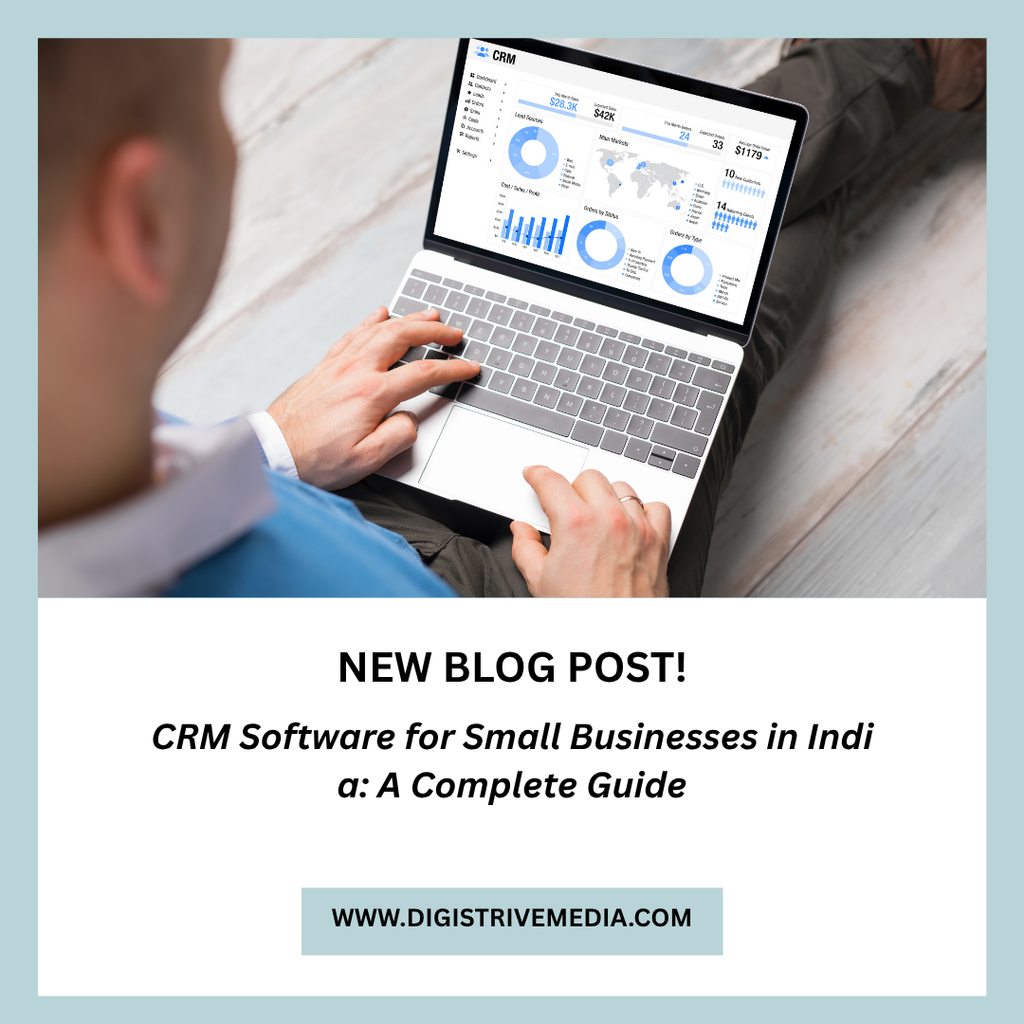
CRM stands for Customer Relationship Management. CRM software helps businesses manage customer information and sales interactions.
It records details about leads, customers, conversations, and sales opportunities. Your team can use this information to manage enquiries and track progress.
For example, a service business may receive 50 enquiries in a week. A CRM can help assign these enquiries to employees and record the next follow-up date.
This gives the team a clearer view of each opportunity.
Why Do Small Businesses Need CRM Software?
Many small businesses begin by managing customers through spreadsheets and messaging apps. This may work when enquiry volumes are low.
However, the process becomes harder as the number of customers increases.
CRM software can help businesses:
- Organise customer information.
- Track new enquiries.
- Assign leads to employees.
- Schedule follow-up reminders.
- Monitor sales opportunities.
- Review sales performance.
As a result, the team can follow a more consistent process.
A CRM does not guarantee more sales. Its value depends on how well the business uses it and follows up with potential customers.
7 Essential CRM Features for Small Businesses
The right CRM should solve your current problems without adding unnecessary complexity.
1. Lead Management
Lead management helps you record and organise new enquiries.
Your team should be able to capture customer details, identify the lead source, and update the lead status.
For example, you may track whether an enquiry came from Google Ads, organic search, a referral, or social media.
This information helps you understand where your leads originate.
2. Contact Management
Contact management stores customer information in one place.
Depending on the business, this may include names, phone numbers, email addresses, company details, and previous interactions.
A shared record helps employees understand the customer’s history before making contact.
You should also configure access permissions to protect customer information.
3. Follow-Up Reminders
Many sales opportunities require several conversations.
However, employees may forget to call a prospect or send a proposal.
A CRM can create reminders and tasks. Some products can also automate notifications based on defined rules.
This helps your team manage follow-ups more consistently.
4. Sales Pipeline Management
A sales pipeline shows where each opportunity stands.
For example, your stages might include:
- New enquiry.
- Contacted.
- Requirement discussed.
- Proposal sent.
- Negotiation.
- Won or lost.
These stages help managers identify pending opportunities and review sales activity.
You can also measure how many leads move from one stage to the next.
5. Reports and Dashboards
Reports help you understand sales performance.
Useful metrics may include new leads, pending follow-ups, conversion rates, and sales by source.
For example, you may discover that one campaign generates many enquiries but few paying customers.
This can help you investigate lead quality and campaign performance.
6. Team Assignment and Permissions
If several employees manage enquiries, you need a clear way to assign responsibility.
A CRM can assign leads to sales representatives or teams. It can also restrict access to certain records.
This becomes particularly useful when your business has multiple departments or branches.
7. Integrations and Automation
A CRM may need to connect with your website, email, advertising tools, or billing system.
These integrations can reduce duplicate data entry and improve information flow.
For example, a website form could create a new lead in the CRM automatically.
Check the available integrations before choosing a product. Some features may require a higher subscription plan or additional setup.
How Much Does CRM Software Cost in India?
CRM pricing varies by provider, features, and number of users.
Common pricing models include free plans, per-user subscriptions, and custom enterprise pricing.
Your total cost may include:
- Monthly or annual subscriptions.
- Setup and configuration.
- Data migration.
- Staff training.
- Paid integrations.
- Custom development.
- Ongoing support.
A free CRM may be sufficient for a business with basic requirements. However, advanced reporting, automation, and integrations may require paid plans.
Compare the total cost over at least one year. Also, check whether your business can export its data if you change providers.
Ready-Made CRM vs Custom CRM Development
Small businesses generally have two options: use an existing CRM or build a custom solution.
Ready-Made CRM Software
Ready-made CRM software is designed for a broad range of businesses.
It may be suitable if you need standard lead management, contact records, reminders, and sales reports.
Its main advantages are faster setup and lower initial investment.
However, some products limit customisation or charge extra for advanced features.
Custom CRM Software
Custom CRM software is developed around your business processes.
It may be useful when you need specialised workflows, branch-level controls, custom reports, or connections with existing business systems.
For example, a company with several service centres may need customer records, appointments, job assignments, billing, and service history in one system.
A custom solution can be designed around those requirements. However, it usually requires a higher initial investment and ongoing maintenance.
Read our guide to AI CRM for small businesses for more information about CRM and automation.
How to Choose the Right CRM for Your Business
Before selecting a CRM, identify the problems you want to solve.
Follow these steps to compare your options.
Step 1: Define Your Requirements
List your main needs.
For example, you may need lead capture, follow-up reminders, sales reports, and team assignments.
Separate essential features from optional ones.
Step 2: Review Your Sales Process
Document how your team handles an enquiry from the first contact to the final sale.
Identify where delays occur and which tasks are repeated.
This will help you choose a CRM that supports your actual workflow.
Step 3: Compare Products and Pricing
Review the features included in each plan.
Check user limits, automation rules, integrations, storage, and support.
Do not select a product based only on its starting price.
Step 4: Test the User Experience
Ask a few team members to test the CRM before introducing it across the business.
They should be able to add leads, update records, schedule follow-ups, and find information easily.
A complicated system may be difficult for employees to adopt.
Step 5: Check Data Security and Export Options
Customer information is valuable business data.
Review account permissions, authentication options, backup arrangements, and data export capabilities.
Also, confirm the provider’s data handling terms.
Step 6: Train Your Team
Explain how the CRM should be used.
Employees should know when to create records, update lead status, and complete follow-up tasks.
Clear processes improve data quality and make reports more useful.
Common CRM Mistakes to Avoid
Buying CRM software is only one part of implementation.
Avoid these common mistakes:
- Choosing a system with too many unnecessary features.
- Migrating duplicate or inaccurate customer records.
- Failing to define sales stages.
- Allowing employees to use inconsistent data formats.
- Ignoring training and adoption.
- Automating an unclear sales process.
- Failing to review reports regularly.
Start with the most important workflows. Then expand the system when the business has a clear need.
How Digistrive Media Can Help
Digistrive Media provides software development services for businesses that need websites, business applications, integrations, and custom functionality.
We can help assess your requirements and identify suitable options for CRM, workflow automation, and connected business systems.
Explore our software development services to learn more.
You can also visit the Digistrive Media homepage to explore our digital services.
Need a better way to manage leads and customer relationships? Contact Digistrive Media to discuss your requirements and evaluate a suitable solution.
Frequently Asked Questions
What is the best CRM software for a small business?
The best CRM depends on your sales process, team size, budget, and integration requirements. Compare products based on essential features rather than popularity alone.
Can a small business use a free CRM?
Yes. A free CRM can work well when you need basic contact management and lead tracking. Check the limits on users, records, automation, and integrations before choosing a plan.
Does CRM software help increase sales?
CRM software can improve lead organisation and follow-up consistency. However, sales results also depend on lead quality, pricing, customer needs, and the sales process.
Can CRM software connect to a website?
Many CRM products support website forms or APIs. The exact options depend on your website platform and the CRM you choose.
When should a business consider custom CRM development?
Consider custom development when existing products cannot support important workflows or integrations. Compare the development and maintenance costs with the limitations of ready-made products.
How long does CRM implementation take?
The timeline depends on the number of users, data migration, integrations, and workflow complexity. A basic setup may be relatively quick, while a customised implementation may take longer.
Conclusion
CRM software can help small businesses organise leads, track customer interactions, and manage follow-ups.
However, the right solution depends on your business requirements.
Start by identifying your current problems. Then compare ready-made products and custom development options.
Choose a CRM your team can use consistently. Review the results regularly and improve your sales process as your business grows.